Financial Mutants love their HSAs but hate keeping track of receipts.
Why use SnapHSA?
• Smart Automation: Snap a photo and let Snappy handle the rest. No manual entry, no spreadsheets, no "shoebox" full of paper.
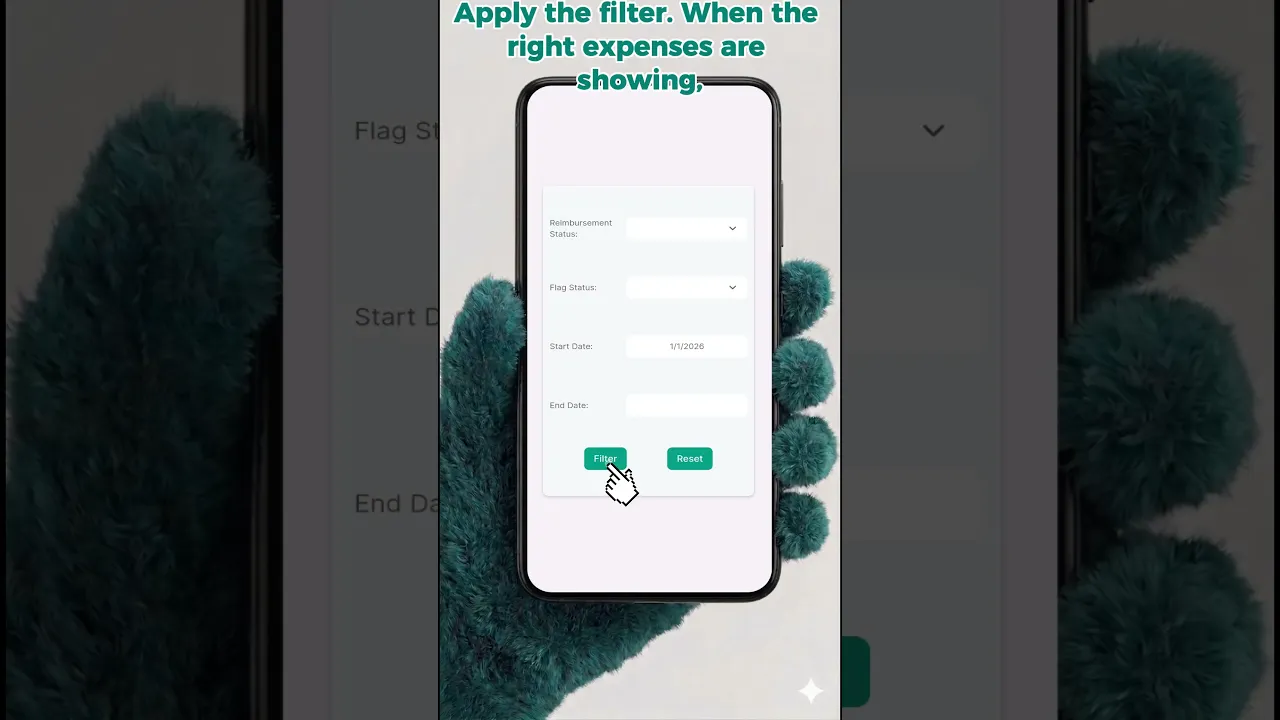
• One-Click Export: Your data is yours. Generate clean, organized transaction reports and receipt bundles in seconds.
• Minimal Cost, Max Value: Professional-grade HSA tracking without the professional price tag. Keep more of your triple-tax-advantaged savings.
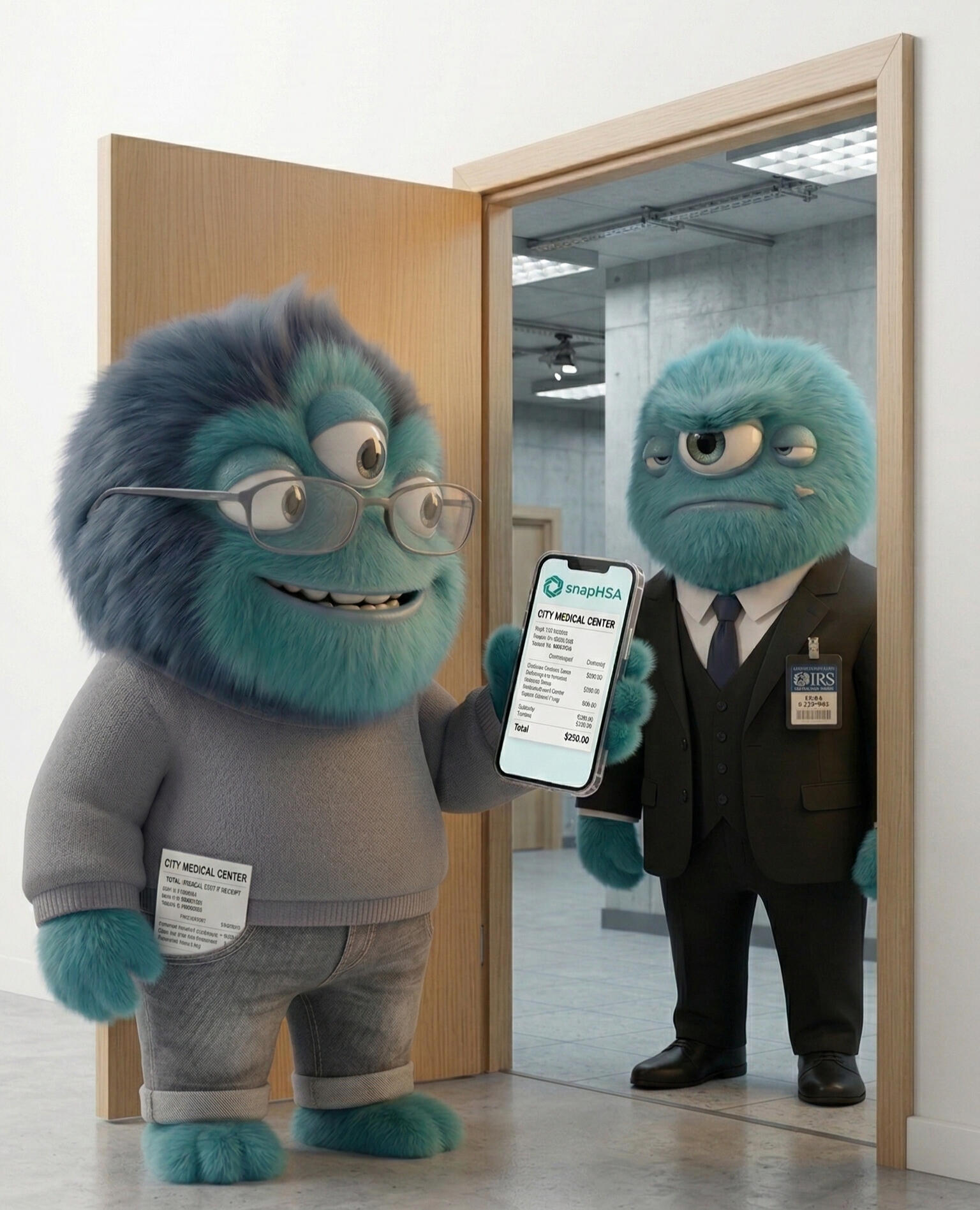
• IRS-Ready & Audit-Proof: Sleep easy with a forensic digital trail. If the IRS asks, you’ll have every receipt perfectly categorized and ready.
• Bank-Level Security: Your financial life is protected by state-of-the-art encryption. Access your records anytime, anywhere.
• Privacy First: Your health is your business. We never sell your medical data—period.
How much does it cost?
SnapHSA is free for manual tracking, with optional tokens available to unlock instant receipt scanning for a few cents per snap.
How does SnapHSA compare?
I was trying to execute my long-term HSA strategy, but my bank's app is terrible and I hate manually tracking receipts.

Why I started SnapHSA?
I built SnapHSA because as a Financial Mutant managing medical expenses for a family of four, I hit a wall executing the HSA shoebox strategy. The existing tracking tools on the market are bloated, expensive, and trap you in endless monthly subscriptions. Worse, they demand access to your sensitive financial and health data, which is a massive privacy red flag. I didn't want to pay a premium just to have my family's private medical records mined by a tech company, nor did I want to be locked into a specific bank's ecosystem. I needed a lean, secure tool where I own my data outright, pay only for what I use, and keep my privacy intact. Since that didn't exist, I built it.

Between raising a family of four and managing a career, life is complicated enough—preserving your tax-free investments shouldn't be.
Fairness & Transparency
I built SnapHSA to be the tool I actually wanted to use: strictly pay-as-you-go. There are no predatory monthly subscriptions, no hidden fees, and no holding your data hostage. You pay a few bucks for scan tokens when you need them, and that's it. It keeps the servers running, keeps your data secure, and leaves the rest of your money exactly where it belongs—invested and compounding.
Your data stays yours.
Period.

SnapHSA keeps your data safe.
SnapHSA utilizes a robust, multi-layered security infrastructure to protect your most sensitive health and financial data. We employ bank-grade encryption for all information stored and transmitted, ensuring it remains unreadable to prying eyes. Access is strictly managed with rigorous controls, to keep unauthorized users out.
SnapHSA keeps your data private.
At SnapHSA, our privacy commitment is simple and absolute: we will never sell, lease, or rent your personal, health, or financial information to anyone. We do not share your data with advertisers, data brokers, or third-party marketing firms for their own use. We are not in the business of monetizing your private life. Your records are yours alone, and we are committed to keeping it that way.
Stop typing.
Start snapping.

Let SnapHSA do the work.
Snap a photo of your receipt. Our SmartSnap instantly extracts the key information from the receipt, but you remain the ultimate auditor. Review the AI's work, make quick edits if needed, and save it. The original image stays permanently attached to your record for bulletproof IRS compliance.
Let the SnapHSA be your Eligibility Confidence Check
Smart Eligibility Flagging
Accidentally snap a picture of your Target grocery run instead of your pharmacy receipt? SnapHSA's SmartSnap scans the line items and flags potentially ineligible expenses to help keep your records clean.SmartSnap acts as your first line of defense, but you are the final auditor. You maintain total control to override flags, edit line items, and verify your own qualified medical expenses.
Privacy Policy
Last Updated: May 2, 20261. Introduction
SnapHSA LLC ("we," "us") is committed to your privacy. This policy explains how we handle data for the SnapHSA mobile application. We do not sell your personal data to third parties.2. Data Collection & Use
We collect information necessary to provide HSA record-keeping and IRS conformance services, including:Account Data: Email address for authentication.User Content: Images of receipts and extracted transaction data.IRS Conformance Analysis: Data extracted from receipts is processed to compare against IRS eligibility guidelines.3. Third-Party Advertising & Tracking (AdMob)
To support the free version of our services, we use Google AdMob to display advertisements.Data Collected: AdMob may collect and use your Device ID (IDFA), coarse location, and app usage data.Tracking: If you grant permission via the App Tracking Transparency (ATT) prompt, this data is used to serve personalized ads and measure ad performance.Opt-Out: You can manage or revoke this permission at any time in your device settings. If you decline, you will still see ads, but they will be non-personalized.4. Third-Party AI Processing (Google Gemini)
To provide automated data extraction and IRS conformance testing, receipt images and data are transmitted to Google Cloud Platform (Gemini API).Protection: We use paid enterprise-tier services (Blaze Tier). Under our agreement with Google, your data is NOT used to train Google’s foundation AI models.Purpose: Data is shared to perform OCR, extract financial data, and run conformance checks against IRS rules.5. Analytics (Google Analytics)
We use Google Analytics to understand how users interact with SnapHSA. This helps us improve the user experience and app stability. This data is aggregated and does not personally identify you.6. Data Retention
We retain your data only as long as your account is active. Users may delete their data or account at any time within the app settings.7. Security
We implement industry-standard encryption for data in transit and at rest. We do not store or process HIPAA-protected medical records beyond what is voluntarily provided on financial receipts.8. Contact
For privacy inquiries, contact us at [email protected].
TERMS OF SERVICE
Last Updated: May 2, 2026THIS IS A BINDING LEGAL AGREEMENT BETWEEN YOU AND SNAPHSA LLC. BY USING THIS SERVICE, YOU AGREE TO THESE TERMS.1. Acceptance of Terms
By creating an account, downloading, or using the SnapHSA mobile application or website ("Service"), you agree to be bound by these Terms. These Terms are a binding legal agreement between you and SnapHSA LLC ("Company," "we," or "us"), a sole proprietorship LLC registered in Ohio.2. Description of Service & AI Conformance Checking
SnapHSA LLC provides a record-keeping tool designed exclusively for Health Savings Account (HSA) management. The Service utilizes third-party Artificial Intelligence ("AI"), specifically Google Gemini, to extract data from uploaded receipts and evaluate their conformance to IRS requirements.IRS Conformance Testing: The Service uses AI to check expense eligibility against current IRS guidelines. This check is for informational and organizational purposes only.No Guarantee of Eligibility: A "conformance check" or "eligible" flag within the app does not constitute a legal determination by the IRS. SnapHSA LLC does not guarantee that any specific expense will be accepted by the IRS or your HSA administrator.AI Accuracy Warning: AI technology can produce errors. Users are solely responsible for verifying the accuracy of all extracted data and eligibility status before using it for tax filings.No Professional Advice: We do not provide financial, tax, or legal advice. We recommend consulting a qualified professional for tax compliance questions.3. Monetization & Advertisements
The Service may be provided through a combination of paid features and ad-supported access.Token-Based Monetization: SnapHSA utilizes a consumable credit ("Token") system. Tokens are purchased through the Apple App Store or Google Play Store. Tokens are consumed at the moment AI processing is initiated. Tokens have no cash value and are non-refundable except as required by store terms or applicable law.Third-Party Advertisements: The Service may display advertisements provided by Google AdMob. By using the Service, you acknowledge that we may display such advertisements. Your interactions with advertisers found on the Service are solely between you and the advertiser.4. User Privacy & HIPAA
Your privacy is governed by our Privacy Policy. SnapHSA LLC is not a "Covered Entity" under the Health Insurance Portability and Accountability Act (HIPAA). The Service is intended for financial record-keeping, not for the storage of comprehensive protected health information (PHI).5. Limitation of Liability
TO THE FULLEST EXTENT PERMITTED BY LAW, SNAPHSA LLC’S TOTAL LIABILITY SHALL NOT EXCEED THE AMOUNT PAID BY THE USER IN THE PRECEDING 12 MONTHS. WE ARE NOT LIABLE FOR IRS PENALTIES, TAX AUDIT COSTS, OR LOSSES ARISING FROM INCORRECT CONFORMANCE ANALYSES.6. Governing Law
These Terms are governed by the laws of the State of Ohio. Any disputes shall be resolved exclusively in the courts located in Lorain County, Ohio.7. Changes to Terms
We reserve the right to modify these Terms at any time. We will notify users of significant changes by posting the new Terms within the app. Continued use of the Service after changes are posted constitutes acceptance of the modified Terms.
Frequently Asked Questions
How to Videos
Own your data with SnapHSA's easy export function.